
6 Creative Tech Projects for Kids Who’d Rather Make Than Scroll
Not all screen time is the same. When a kid is building, filming, or coding something of their own, the tablet stops being a slot machine and starts being a toolbox.
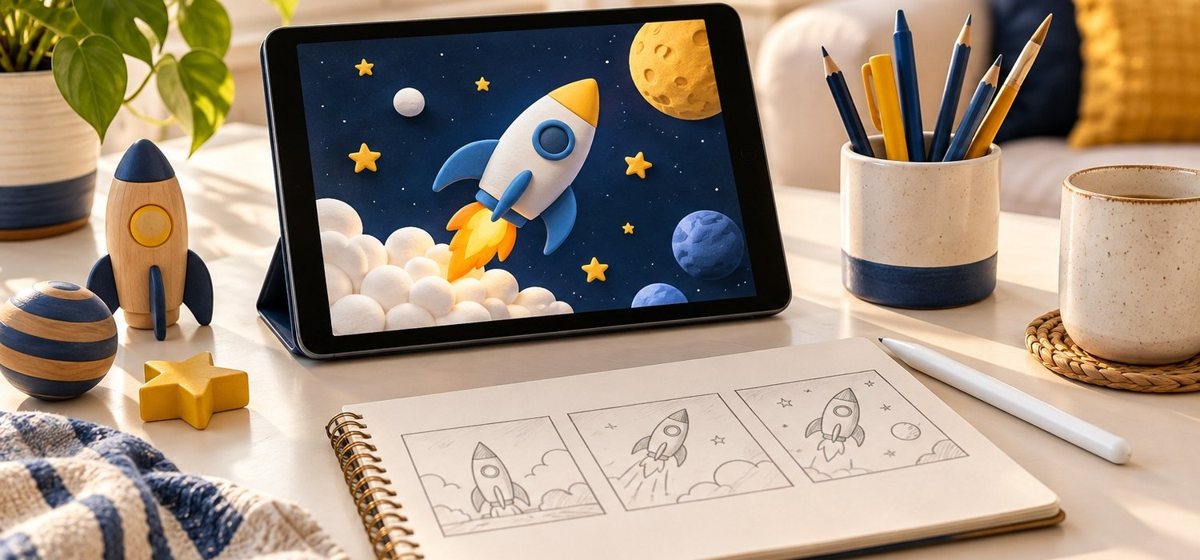
If you’ve ever watched your child scroll for an hour and thought, “There has to be a better way to use this thing,” you’re in the right place. Tech projects for kids flip screen time from consuming to creating. Instead of watching someone else’s video, your child makes their own. Instead of playing a game, they build a tiny one. The device is the same; what’s happening in their brain is completely different. Below are six beginner-friendly projects, plus how to keep them private and what your role as the grown-up looks like.
Creating vs. Consuming: Why It Matters
Consuming is watching, scrolling, and playing things other people made. Creating is planning, making, fixing, and sharing something that came from your own head. Both have a place, and nobody needs to feel guilty about a movie night. But creating builds skills that scrolling can’t: patience, problem-solving, storytelling, and the very satisfying feeling of “I made that.”
A simple way to explain it to kids:
- “Consuming is eating the cake. Creating is baking it.”
- “When you create, the screen works for you.”
Some families make a rule like “create before you consume,” where a little making time comes before free play. Even 20 minutes changes the tone of the whole afternoon. My oldest started making his own ramen recipes after watching cooking videos, and that leap from watching to doing is exactly the spark these projects aim for.
6 Tech Projects for Kids to Try This Month
Each of these works on a tablet, phone, or computer your family already has, with free built-in tools or simple beginner apps. Pick one that matches your child’s interests.
1. Photo story
Your child takes 5–8 photos that tell a story with a beginning, middle, and end. It could be “A Day in the Life of Our Dog” or “The Great Sock Escape.” Then they put the photos in order and add a caption to each one.
Skills: sequencing, framing a shot, writing short captions.
2. Digital postcard
Using a simple drawing or design app, kids create a postcard for a grandparent, cousin, or friend. Add a photo, a drawing, and a short message. Print it or send it through a grown-up’s account.
Skills: layout, writing for a reader, thoughtfulness.
3. Stop-motion movie
Clay figures, building bricks, or toy animals become movie stars. Kids move an object a tiny bit, snap a photo, and repeat, then play the photos quickly to make it move. A 10-second film can take an hour, and kids are usually proud of every frame.
Skills: patience, planning, attention to detail.
4. Sound story
Kids write a short story and record it as an audio drama, with their own voice, sound effects from around the house (crinkled paper for fire, a pot lid for thunder), and maybe a little background music they play themselves. If your child practices on a mini keyboard app like one of my boys does, this is a great place to use it.
Skills: reading aloud, creativity, editing.
5. Choose-your-path story
Using a slideshow or presentation tool, kids create an adventure where the reader picks what happens next. Each choice links to a different slide. “Do you open the creaky door? Tap here. Run away? Tap here.”
Skills: branching logic, writing, planning ahead.
6. Beginner coding scene
With a free block-based coding tool for kids, your child can make a character move, talk, or react when you click it. Start small: “Make a cat walk across the screen and say hello.” Then add one new thing at a time.
Skills: logic, debugging, persistence.
How to Match a Project to Your Child
Not sure where to start? Look at what your child already loves. If you’re still figuring that out, our guide on how to help your child find a hobby can help.
| If your child loves… | Try this project |
|---|---|
| Drawing or crafts | Digital postcard or stop-motion |
| Telling stories or jokes | Sound story or choose-your-path story |
| Video games | Beginner coding scene |
| Animals or nature | Photo story |
| Building things | Stop-motion with building bricks |
One of my boys builds terrarium habitats, and a photo story documenting a build from empty jar to finished habitat is a perfect example of tech supporting a real-world hobby instead of replacing it.
Keep It Private: Simple Safety Rules
Creating is wonderful. Posting publicly is a separate decision, and for kids 8–12 the default should be “share with family, not the world.” Keep the rules short:
- Share with people you know. Projects go to family and close friends through a grown-up, not public sites.
- No personal details. No full names, school names, street signs, or house numbers in photos, videos, or recordings.
- Faces are optional. Hands, toys, pets, and voices make great content on their own.
- Grown-up checks before sending. A quick look together before anything leaves the house.
For more on keeping kids safe online, see our guide to online gaming safety for kids.
Your Role as the Grown-Up
You don’t need to be techy to support these projects. In fact, it helps if you’re not the expert. Your job is to be the curious audience, the supply manager, and the gentle time-keeper.
Be curious, not the boss
Ask questions instead of giving directions: “What happens next?” “How did you make that part move?” “What would you change if you did it again?” Kids light up when you’re genuinely interested.
Help them finish
Many kid projects stall in the middle. Help break the work into small chunks: “Today, just the first three photos.” Celebrate finished projects with a family premiere night, popcorn included.
Let mistakes be part of it
A stop-motion figure falls over. The code makes the character walk backward. The recording has a giggle in the middle. Resist the urge to swoop in and fix it. Try: “Hmm, that’s not what you planned. What do you think happened?” Figuring it out on their own is where the real learning (and the real pride) comes from.
Set clear creative time
Creative screen time still counts as screen time, but you may decide it gets its own slot. A family screen agreement makes this easy to spell out. If you don’t have one yet, here’s how to make a family screen time agreement that includes making time.
Mix Tech Projects with Screen-Free Making
The best tech projects for kids don’t live only on a screen. Stop-motion needs clay and props. Sound stories need sound effects made with real objects. Photo stories need a walk outside. Encourage your child to plan on paper first: sketch the storyboard, write the script, build the set. Then pick up the device.
When the tablet goes away, the creativity can keep going. Our screen-free activities for kids 8–12 are full of hands-on ideas that pair beautifully with these projects. And if you want a bigger shift in how your family uses screens, The 30-Day Family Reset helps you build a plan where creating comes first, one small day at a time.
Go deeper with the guide
Create With Technology gives your kids step-by-step project cards, planning sheets, and privacy checklists, so screen time turns into making time without you having to be the tech expert. It’s Resource 11: Create With Technology, part of the Raising Kids Beyond the Screen toolkit.
Get all 15 guides · $47Find it on Etsy
Want the whole plan, not just one page?
The 30-Day Family Reset walks you through it one small step a day: the agreement, the scripts for hard moments, no-tech days, and ideas your kids will actually say yes to.
- 10–30 minutes a day, with exactly what to say and do
- Fillable on a tablet or printable
- Instant download, start tonight
Quick answers
What are good tech projects for kids ages 8–12?
Great starter projects include photo stories, digital postcards, stop-motion movies, recorded sound stories, choose-your-path slideshow stories, and simple block-based coding scenes. They use tools most families already have and build real skills like planning and problem-solving.
Does creative screen time count as screen time?
It’s still time on a device, so it’s worth including in your family’s plan. Many families give creative projects their own time slot or let kids do some making before free play. The key is balance with screen-free time and plenty of movement.
How can kids share their projects safely?
Share projects privately with family and friends through a grown-up instead of posting publicly. Leave out full names, school names, and anything that shows where you live. A quick check together before anything is sent is a simple habit that keeps kids safe.