
Online Gaming Safety for Kids: Simple Scripts for Tricky Moments
Kids don’t need a lecture about the internet. They need a few words they can say, a button they can press, and a grown-up they know they can run to.
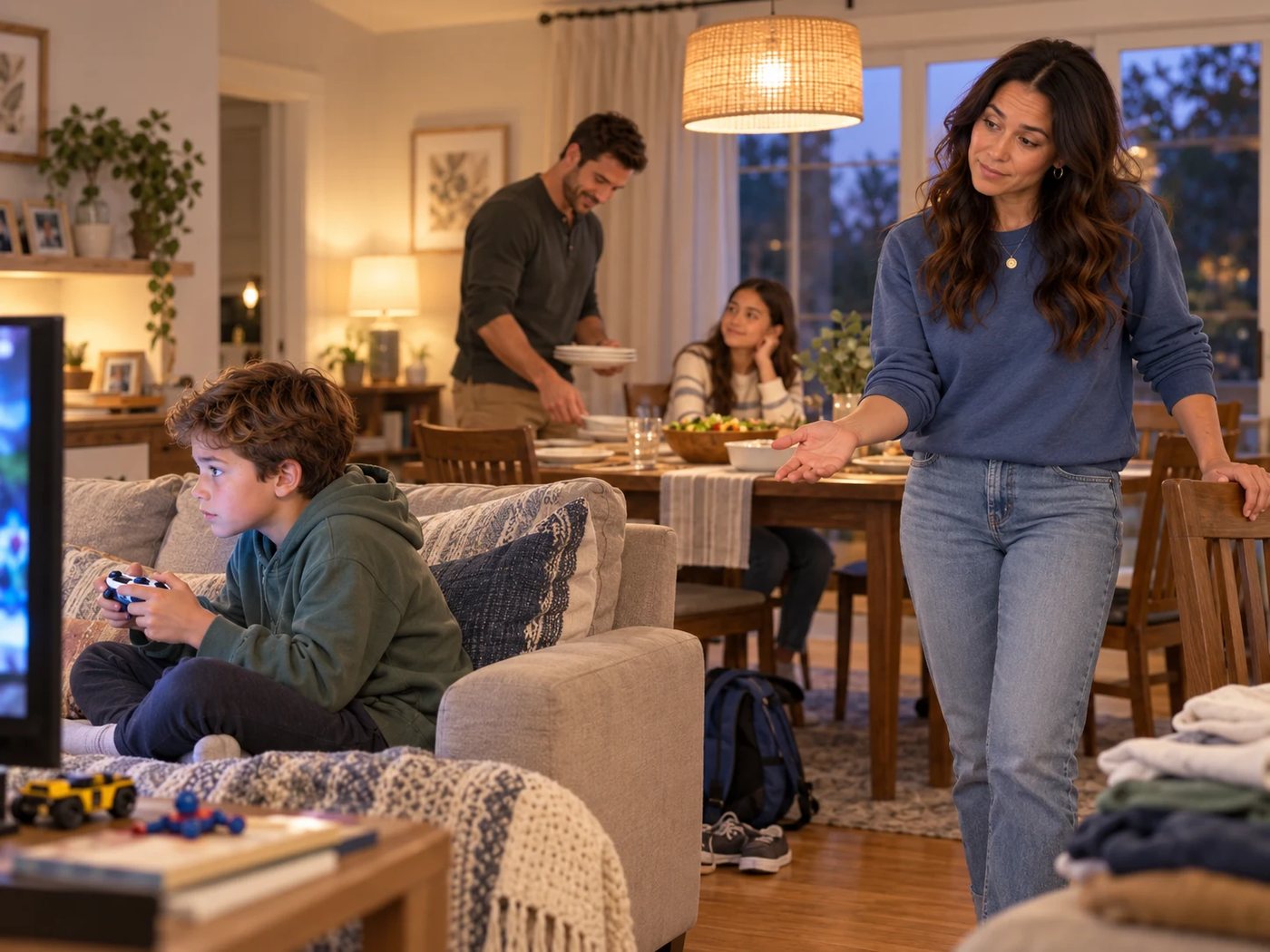
Online gaming safety for kids isn’t about scaring them away from video games. Most of the time, online games are just fun: building, racing, teaming up with cousins and friends. But every so often something weird, mean, or confusing happens, and kids freeze because they don’t know what to do. The goal of this guide is simple: give your child a short plan they can remember in the moment, and make sure they know you are the safe place to land afterward.
Online Gaming Safety for Kids Starts With a Three-Step Plan
When something feels off in a game, kids don’t need a long list. They need three steps they can do on autopilot:
- Stop. Don’t answer, don’t click, don’t argue.
- Leave. Exit the chat, the match, or the game.
- Get a grown-up. Come find a parent or caregiver right away.
Practice it out loud a few times, the same way you’d practice a fire drill. “If something in a game feels weird, what do you do?” “Stop, leave, get a grown-up.” Make it quick and calm. Kids remember what they’ve rehearsed, not what they’ve been warned about.
Let them know there’s no “too small” reason to come get you. “You will never be in trouble for telling me something that happened online. Ever.”
When Something Pops Up
Pop-ups, surprise messages, “free reward” links, and friend requests from strangers are common in online games. Teach your child:
- “If something pops up that you didn’t expect, don’t tap it. Come show me.”
- “Free stuff that asks you to log in somewhere else is almost always a trick.”
- “Friend requests from people you don’t know in real life get a no.”
It helps to sit with your child for a few minutes while they play and point out where the report, block, and mute buttons are. Knowing where the exits are makes kids feel more in control.
When Someone Is Mean
Trash talk happens in games, and some of it crosses the line. Help your child tell the difference between friendly competition and someone being cruel.
What your child can do
- Mute or block the player. No reply needed.
- Leave the match if it keeps going.
- Tell a grown-up, especially if it’s someone they know from school.
What your child can say to themselves
“That’s about them, not me.” Kids 8–12 are still learning that mean words online often come from people having a bad day, and that walking away is a strong move, not a weak one.
And the other side of it: talk about being kind online. “Would you say that to someone’s face at the park? Then don’t type it.”
When Someone Asks for Personal Information
This one should be a hard rule. Personal information stays private, no matter how friendly the person seems. Make a simple list together of things that are never shared in a game:
- Real full name
- Age, birthday, or school
- Address, city, or neighborhood
- Phone number or email
- Passwords (not even to a friend)
- Photos of themselves or their home
Give your child a ready-made answer: “I’m not allowed to share that.” Then leave and get a grown-up. Anyone who keeps asking, offers gifts, or says “don’t tell your parents” is a big red flag, and your child should know that’s exactly when to come find you.
When a Grown-Up You Don’t Know Talks or Yells at Your Child
Sometimes an adult in a game, maybe another player or even someone else’s parent, talks to a child in a way that’s inappropriate, scary, or angry. Kids are taught to respect grown-ups, so this can be very confusing. Make it clear ahead of time: your child does not have to talk to an adult they don’t know, online or anywhere else.
The script
Teach your child to say one sentence, then go:
- “Please talk to my mom or dad.” (Or “my grown-up,” whatever fits your family.)
- Leave the game or chat.
- Come get a parent right away.
That’s it. No arguing, no explaining, no apologizing. Your child is not responsible for managing an adult’s behavior.
Grown-ups handle it parent to parent
If the adult is connected to someone your child knows, like a friend’s or cousin’s parent, that conversation happens between grown-ups, calmly and away from the kids. If it’s a stranger, use the game’s block and report tools, save a screenshot if you can, and adjust privacy settings so only approved friends can chat. Your child’s job was to leave and tell you. They did it. The rest is yours.
Scams and Stolen Items
Many games have digital items, skins, or in-game money, and that makes them a target for scams. Common tricks include fake trade offers, “give me your login and I’ll double your coins,” and fake giveaway links.
- “If a trade sounds too good to be true, it is.”
- “Nobody real needs your password. Not a friend, not a game helper, nobody.”
- “If something gets stolen, tell me. We’ll figure it out together.”
If an item does get stolen, it can feel huge to a kid. Treat it like a real loss, because to them it is. Then change passwords together, turn on any extra account protection the game offers, and report it through the game’s support page.
Bouncing Back After a Hard Moment
After something upsetting happens online, kids may feel embarrassed, angry, or scared, and sometimes they just want to jump right back into the game. A short reset helps:
- Thank them. “I’m really glad you told me. You did exactly the right thing.”
- Name the feeling. “That sounds scary. Anybody would feel shaken.”
- Take a break. Go outside, grab a snack, shoot some hoops. Our screen-free activities for kids 8–12 are handy here.
- Make a plan. Later, decide together if any settings, friend lists, or game rules should change.
If ending the game in that moment is a struggle, our guide on how to end screen time without a meltdown has calm scripts that help.
Be the Safe Place
The single most protective thing you can do is make sure your child comes to you. That means staying calm when they tell you something, even if you feel like flipping the table. If kids think telling you means losing their games forever, they’ll stop telling you.
- Keep gaming in shared spaces like the living room when you can.
- Ask about their games with real curiosity: “Who do you like playing with? What’s the hardest level?”
- Write your family’s online rules down together. A family screen time agreement is a great place to start.
- Check in on screen time rules by age as your child grows, since what works at 8 may change at 12.
If you’d like a step-by-step path, The 30-Day Family Reset includes a Smart and Kind Online section and a Family Online Plan you can fill out together, so everyone knows the rules and the exits before anything ever goes wrong.
Go deeper with the guide
The 30-Day Family Reset includes a Smart and Kind Online section and a fill-in Family Online Plan, so your kids know exactly what to do in a tricky moment and you all agree on the rules before anything goes wrong. It’s Resource 1: The 30-Day Family Reset, part of the Raising Kids Beyond the Screen toolkit.
Get all 15 guides · $47Find it on Etsy
Want the whole plan, not just one page?
The 30-Day Family Reset walks you through it one small step a day: the agreement, the scripts for hard moments, no-tech days, and ideas your kids will actually say yes to.
- 10–30 minutes a day, with exactly what to say and do
- Fillable on a tablet or printable
- Instant download, start tonight
Quick answers
How do I keep my child safe while gaming online?
Teach a simple plan: stop, leave, and get a grown-up whenever something feels off. Set chat to friends-only, show your child where the block and report buttons are, and keep gaming in shared spaces when possible. Most importantly, make sure they know they won’t be in trouble for telling you.
What should my child do if a stranger talks to them in a game?
Your child can say, “Please talk to my mom or dad,” then leave the game and come find you. They don’t need to explain or argue. From there, the grown-ups handle it by blocking, reporting, and adjusting privacy settings.
Should kids ages 8–12 use voice chat in online games?
Many families keep voice and text chat limited to friends they know in real life at this age. Check each game’s settings together and turn off open chat with strangers. Revisit the rules as your child gets older and shows they can follow the family online plan.