How to Get Your Kid Off Video Games Without a Fight
If asking your child to turn off the game turns into yelling, bargaining, or a slammed door, you're not doing it wrong. You're doing it without a plan. Here's the one that works in real homes.
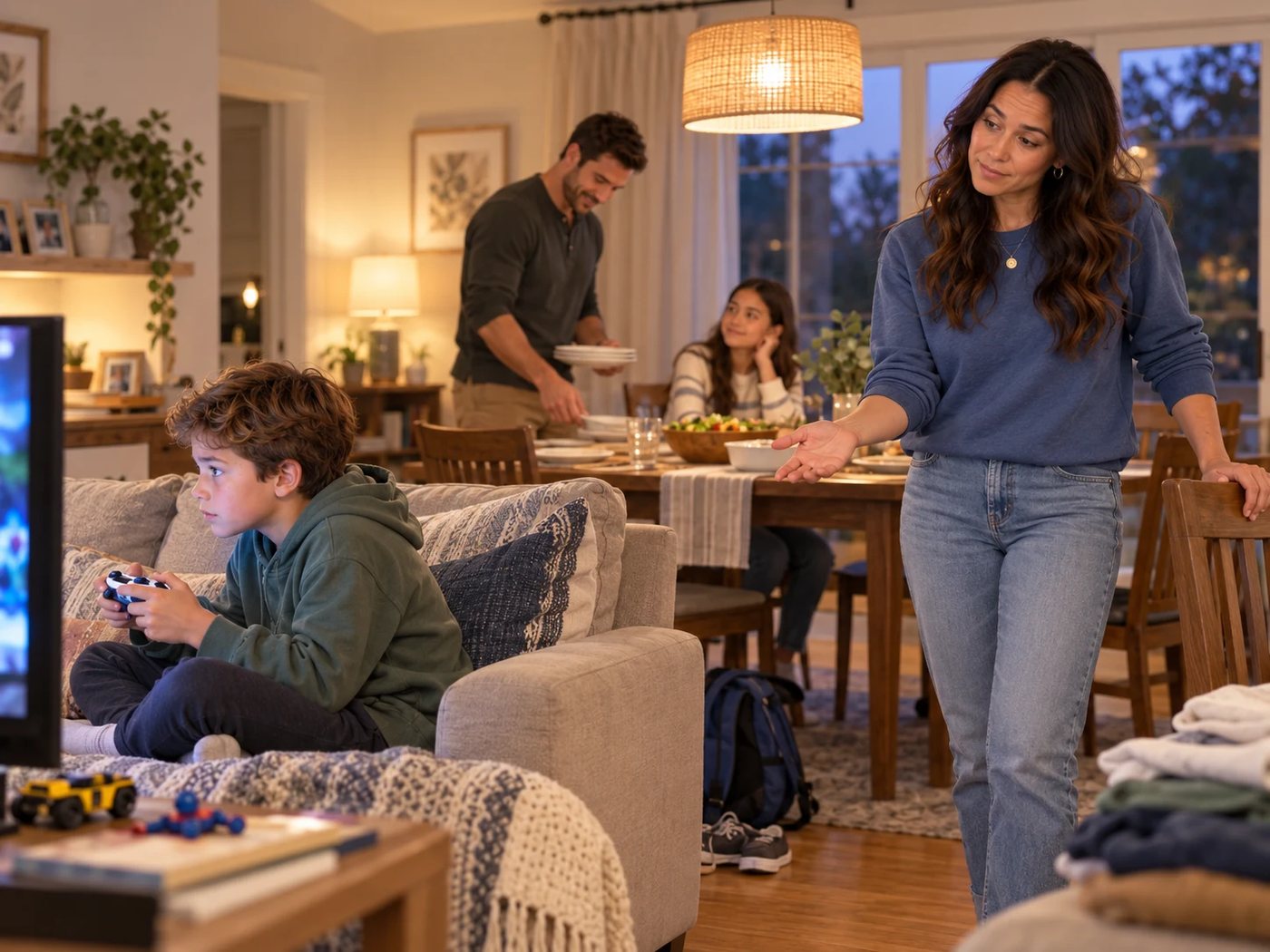
Why turning off the game feels so hard
To your child, “turn it off” lands in the middle of something that matters: a match with friends, a build that isn't saved, a level they've almost beaten. Games are designed so there's always one more round. And when the screen goes dark, the next thing on offer is usually homework, chores, or “go find something to do.”
So the fight usually isn't about the screen. It's about a surprise ending with nothing good on the other side. Fix those two things and most of the resistance drops.
Step 1: Agree on the stopping point before play starts
The single biggest change is moving the decision before the controller is in their hands. When the stop is already agreed, you're not the bad guy at 6:15. You're just reminding them of the deal.
Try saying
“You can play until 6:00. That means you'll start your last match around 5:45. What's a good stopping point in this game?”
Ask your child how their game works. How long is a match? Where can they save? Kids are far more willing to stop at a point they helped choose.
Step 2: Give one heads-up, not five
A single clear warning about 10 minutes before the end gives them time to finish a round. A final reminder at the end seals it. Repeated “five more minutes” warnings teach kids that the real deadline is somewhere after the third one.
Step 3: Plan for games that can't pause
Online games like Roblox, Fortnite, or Minecraft servers don't always let players stop mid-round, and leaving can let teammates down. Respect that, but plan around it:
- Agree that the last round starts by a set time, not that it ends by one.
- Leave a buffer before meals, appointments, and bedtime.
- Don't promise every game can be saved. If there's no plan today, make a calm call for today and set a better rule before next time.
“We agreed this was the last round. Show me the safe place to stop or save.”
Step 4: Have something better ready
This is the step most families skip. If the screen goes off and the only option is “be bored,” the screen will win every time. Offer two specific choices that are available right now:
Two-choice examples
- “Want to help me make tacos or set up the dominoes?”
- “Do you want to draw your character or come walk the dog with me?”
- “Paper airplane contest or ten minutes of basketball outside?”
Then join them for the first few minutes. Starting is the hardest part for kids. Once they're engaged, you can step back.
Step 5: Stay calm when they push back
Some pushback is normal, especially in the first week. You don't need to win the argument. Acknowledge the feeling, restate the plan, and move to the next step.
When they say “My team will hate me”
“Leaving can feel awkward. Let's practice a quick goodbye you can type before the next game.”
When they say “Just five more minutes!”
“I know stopping is hard. We agreed on 6:00. Let's find your stopping point together.”
Step 6: Share the load if you can
In many homes, one tired parent ends up doing every screen-off conversation, every night. If there's another adult in the house, hand them a few of these moments. When kids hear the same plan from both parents, it stops feeling personal. Doing this solo? Lean on a grandparent, aunt, or older sibling for one night a week, and keep the plan the same.
What a calmer evening looks like
Within a couple of weeks, many families notice the shift: the heads-up lands, the game wraps up, and kids move to the next thing with a grumble instead of a meltdown. It won't be perfect every night. It doesn't need to be.
Want to put all of this in writing? Here's how to make a family screen time agreement, with a free printable.
Quick answers
How do I stop video game meltdowns?
Agree on the stopping point before play starts, give one heads-up about 10 minutes before, and have the next activity ready. Stay calm and repeat the agreement instead of arguing about it.
What if my child's game can't be paused?
Many online games can't pause. Agree ahead of time on a stopping point, like the end of the current match, and leave a buffer before dinner or bedtime so a long round doesn't collide with plans.
How much warning should I give before screen time ends?
One clear heads-up about 10 minutes before, then a final reminder, works for many families. More warnings tend to turn into negotiations.
Ready for a calmer 30 days?
The 30-Day Family Reset gives you a daily 10–30 minute plan, parent scripts for the hard moments, and trackers to see your progress. Start with the free one-page agreement, or get everything in the Complete Family Toolkit.
See the workbook and toolkitGet the free agreement